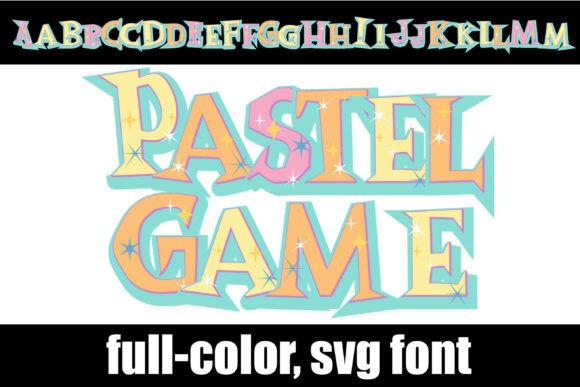
Selena: A Vibrant Color Font for Creative Sellers
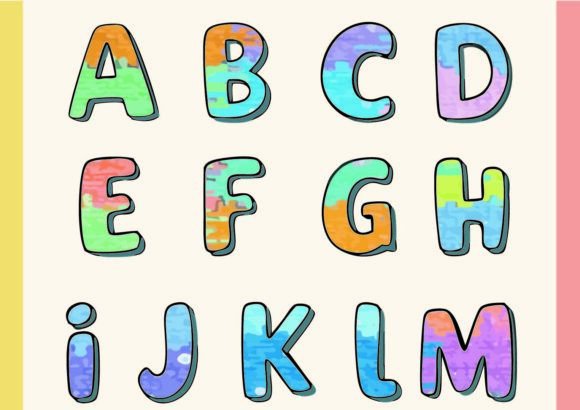
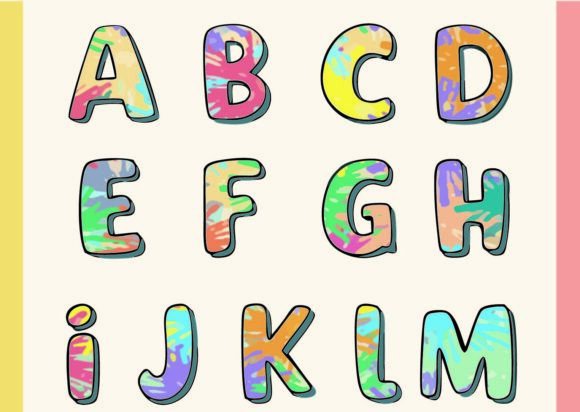
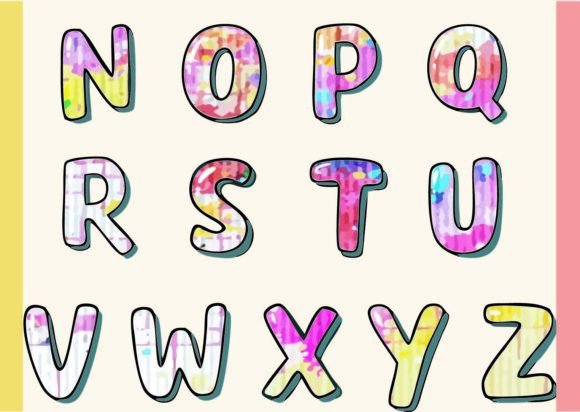
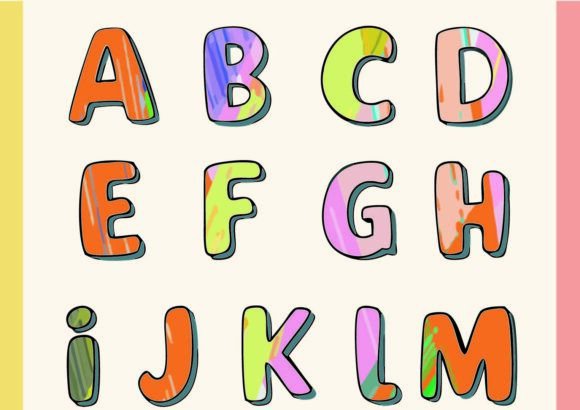
As someone who’s launched over 200 digital products across Etsy, Creative Fabrica, and Shopify — from SVG bundles to Canva templates and sublimation-ready mug designs — I approach every new graphic design asset with two questions: “Does this solve a real product need?” and “Will it hold up in commercial use without extra work?” When I first opened Selena, I felt that rare spark of recognition: this isn’t just another decorative font. It’s a chromatic font where every glyph is built with layered, intentional color — no two letters share the same palette. Think of it as hand-painted typography made digital: rich, expressive, and deeply visual.
Selena leans into joyful, contemporary charm — not overly cutesy, not sterile or minimal. It reads as modern-feminine with a hint of artisanal warmth, making it ideal for spring collections, boutique branding, baby shower invites, or wellness-themed digital downloads. It doesn’t scream “festive” like a holiday font would, nor does it whisper “luxury” like a thin serif might. Instead, Selena occupies a confident middle ground: playful enough for planner stickers, refined enough for boutique packaging design, and distinctive enough to stand out in a crowded creative marketplace.
For sellers building product lines, Selena works best when treated like a design element — not just text. I tested it across six high-performing categories:
- SVG designs for Cricut and Silhouette users — especially layered quotes and monogrammed wall art (exported cleanly with embedded colors)
- PNG designs with transparent backgrounds for greeting cards, social media graphics, and blog headers
- Printable wall art collections where Selena headlines seasonal themes like “Bloom”, “Hello Spring”, or “Little One”
- Canva templates for Instagram story kits and digital planners — pairing beautifully with clean sans serifs for body text
- Sublimation designs on mugs, tumblers, and tote bags, where its built-in color harmony eliminates manual recoloring
- Sticker sheets and clipart bundles, especially when isolated glyphs (like hearts, stars, or initials) are extracted as standalone illustrations
What surprised me most was how much Selena elevated product mockups. In listing thumbnails, its vibrant, multi-tonal glyphs create instant visual hierarchy — no need for extra shadows or outlines. On white-background mockups (like mug or notebook previews), the contrast pops without looking harsh. On light gray or cream packaging mockups, it feels cohesive and premium. That translates directly to higher click-through rates and stronger perceived value — critical for Etsy SEO and conversion.
Where Selena shines brightest is in themed digital downloads: nursery print sets, wedding invitation suites, teacher appreciation bundles, and summer camp activity packs. Its personality supports visual storytelling without requiring custom illustration. A single Selena headline paired with minimalist line art can carry an entire product bundle — reducing your design time while increasing perceived creativity.
But let’s be realistic: Selena isn’t universal. It needs thoughtful placement. Avoid using it for:
- Tiny sticker details — fine color layers may blur or misrender at under 24pt
- Cricut projects requiring crisp cut lines — test SVG exports carefully; some glyphs have overlapping paths that affect cutting accuracy
- Dark background layouts without contrast checks — certain color combos (like yellow-on-yellow variants) fade on charcoal or navy
- Text-heavy Canva templates — it’s a display font, not a paragraph font. Use it for titles only, then pair with a highly legible sans serif or handwritten font for body copy
- Low-resolution print products — verify PNG exports render cleanly at 300 DPI before uploading to print-on-demand platforms
Before publishing any product using Selena, here’s my checklist — refined from years of launching fonts in commercial design assets:
- Preview the full character set in both light and dark mode (many buyers use dark UIs)
- Test export as PNG (with transparency) and SVG (for Cricut) — inspect paths for stray anchors or hidden layers
- Drop Selena into three real mockups: a tumbler wrap, a printable poster, and a Canva social post — check alignment, spacing, and color fidelity
- Verify how it looks as a 150x150px Etsy thumbnail — does the letterform remain legible and appealing?
- Confirm the commercial license explicitly permits finished goods (e.g., printed mugs, physical sticker sheets, and digital downloads containing Selena-rendered text)
- Organize deliverables clearly: include OTF/TTF for designers, pre-rendered PNGs for crafters, and SVGs optimized for cutting machines
Pairing matters. Selena sings next to soft sans serifs (like Poppins Light), gentle scripts (like Pacifico), and grounded serifs (like Merriweather). Avoid competing display fonts — its chromatic nature already carries strong visual weight. For small business branding, use Selena sparingly: a logo lockup, a hero banner, or a signature tagline. Let it anchor, not overwhelm.
One final note: because Selena is a color font — meaning each glyph contains vector-based color fills, not just outlines — it behaves differently than standard Fonts in older software. Not all versions of Canva support full color font rendering yet, and some print-on-demand upload portals flatten layers. Always test in your intended workflow before committing to a product launch.
If you’re curating a digital download shop, building seasonal SVG bundles, or designing merchandise for print-on-demand, Selena is more than a novelty — it’s a versatile graphic design asset that adds instant personality and polish. Used intentionally, it helps handmade businesses stand out, supports cohesive brand identity, and gives your printable designs that “designed-by-a-pro” feel — without needing advanced illustration skills. Just remember: test early, pair wisely, and always lead with how your customer experiences it — not just how it looks in your design file.