Awesome Fonts: A Color Fonts Review for Crafters
As a handmade business designer who’s shipped over 12,000 custom mugs, planner stickers, and seasonal party kits since 2018, I test every graphic design asset like it’s going straight into production — not just a pretty preview. When Awesome landed in my inbox, I opened it mid-batch of Valentine’s Day gift tags, paused the Cricut Explore Air 2, and gave it real attention. Here’s what stood out — and what I’d tell my fellow Etsy sellers, craft fair vendors, and printable product creators before they drop $19 on this color font.
First Impressions: Playful, Punchy, and Instantly Recognizable
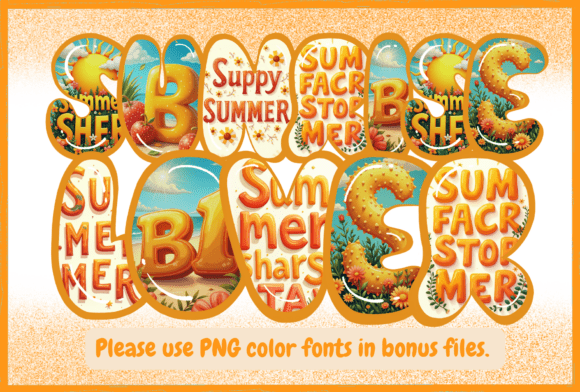
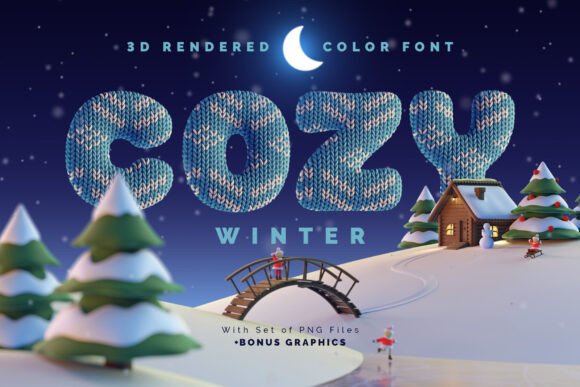
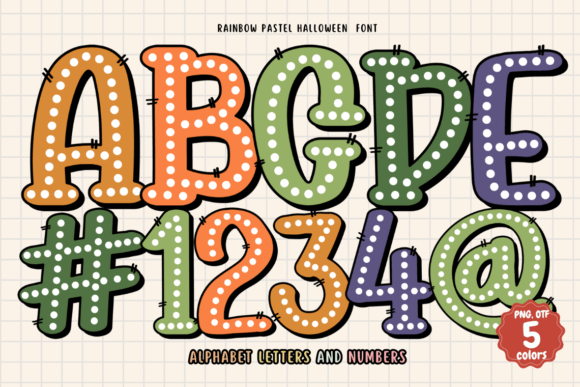
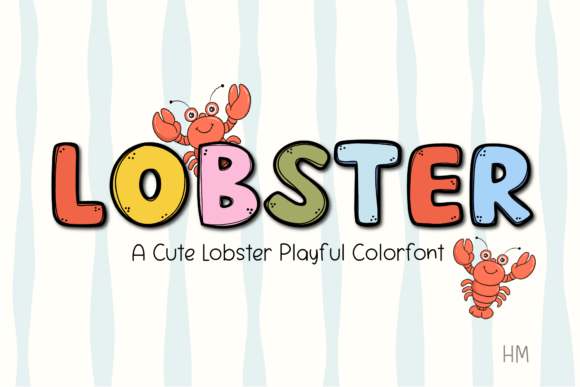
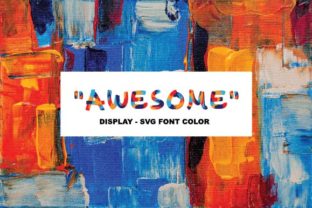
Awesome hits like confetti at a birthday party — bright, energetic, and impossible to ignore. It’s not elegant or minimalist. It’s not rustic or vintage. It’s boldly cheerful, with built-in color layers, subtle texture, and a hand-drawn bounce that feels alive. Think: kids’ party favors, summer sticker sheets, “You’re Awesome!” tote bags, or bold mug quotes for teachers and nurses. Your customer isn’t looking for quiet sophistication here — they want joy, energy, and instant emotional connection. If your handmade business leans into celebration, encouragement, or lighthearted self-expression, Awesome fits like a well-cut vinyl decal.
Where Awesome Shines in Real Crafting Workflows
- Cricut & Silhouette projects: As an Opentype-SVG color font, Awesome imports cleanly into Design Space and Silhouette Studio (v5+). I used it for a set of 4” acrylic keychains — typed the word “YES!”, ungrouped the SVG layers, and assigned each color to a different vinyl sheet. No manual tracing needed.
- Sticker design & planner pages: Its built-in shadows and highlights pop on matte sticker paper and glossy planner sheets. I layered “Awesome” over a simple floral border PNG — no extra drop shadow required.
- Mug design & tumbler wraps: At 2.5” tall, it held crisp detail when printed via sublimation. Tested on white and rose-gold tumblers — colors stayed vibrant, edges stayed sharp.
- Printable wall art & greeting cards: Paired with a clean sans serif (like Montserrat) for body text, Awesome becomes the joyful anchor — perfect for “You’ve Got This” affirmations or baby shower banners.
- Seasonal craft bundles: Bundled it with coordinating clipart (rainbows, stars, confetti PNGs) for a Fourth of July digital product. Buyers loved how fast they could build social posts, party signs, and printable favor tags.
Where to Use Awesome With Intention — Not Assumption
This isn’t a one-size-fits-all workhorse. Awesome demands thoughtful placement. Avoid it in:
- Very small cut files — under 0.75” height loses definition; fine color transitions blur on tiny vinyl pieces.
- Layered vinyl projects with >3 colors — the Opentype-SVG includes multiple overlapping shapes. Simplify by flattening layers or using only the base color layer if precision matters most.
- Crowded compositions — its personality dominates. Pair it with generous white space or minimal supporting graphics.
- Dark-on-dark or low-contrast product mockups — test how the yellow/orange tones render on navy shirts or black tumblers. Some hues soften unexpectedly.
- Small sticker sizes (<1”) or die-cut labels — readability suffers. Reserve it for hero text, not fine print.
Practical Crafter Notes You’ll Actually Use
I don’t just install fonts — I pressure-test them. Here’s my checklist for Awesome, refined across 6 product launches:
- Test before selling: Cut one sample on your machine (Cricut, Silhouette, or laser cutter) — check for stray nodes or overlapping paths in the SVG.
- Preview transparency: Open the included PNG in Photoshop or Canva. Confirm edges are clean and background is truly transparent — critical for sublimation and print-on-demand.
- Confirm resolution: For sublimation, export at 300 DPI minimum. The vector SVG scales infinitely, but raster previews (like PNGs) must be high-res.
- Test on both light and dark products: Print a swatch on white cotton and charcoal polyester. Note which colors pop — and which fade into the background.
- Place on real mockups: Drop Awesome into a realistic tumbler or mug mockup (not just a flat PNG). Lighting changes everything.
- Resize intentionally: At 1.5x scale, it gains presence. At 0.8x, it starts fighting itself. Find your sweet spot per product type.
- Pair wisely: Works beautifully with a sturdy serif (Playfair Display) for contrast, or a delicate script (Great Vibes) for balance. Avoid other display fonts — it’s the star, not the supporting cast.
- Verify commercial license: Yes — Awesome includes full commercial rights for physical and digital handmade products, including Etsy listings, craft fairs, and print-on-demand. Always re-check the license file before bundling into a design bundle.
Why This Color Font Belongs in Your Handmade Business Toolkit
Awesome isn’t just another font — it’s a ready-made mood booster for your customers and a time-saver for your workflow. When you’re juggling holiday orders, prepping for a local market, or building a new printable collection, having a dynamic, licensed, production-ready color font cuts hours off design time. It adds visual distinction to your Etsy product thumbnails, strengthens small business branding through consistent joyful tone, and helps your handmade goods stand out in crowded creative marketplaces.
If your niche is celebration, encouragement, or everyday magic — and you value assets that behave predictably across Cricut projects, sticker designs, sublimation workflows, and digital product creation — Awesome earns its name. Just remember: let it lead, give it room to breathe, and always test like your next batch depends on it — because often, it does.